Course Docs · Handouts and guides
Handouts and study guides from a Storyline course
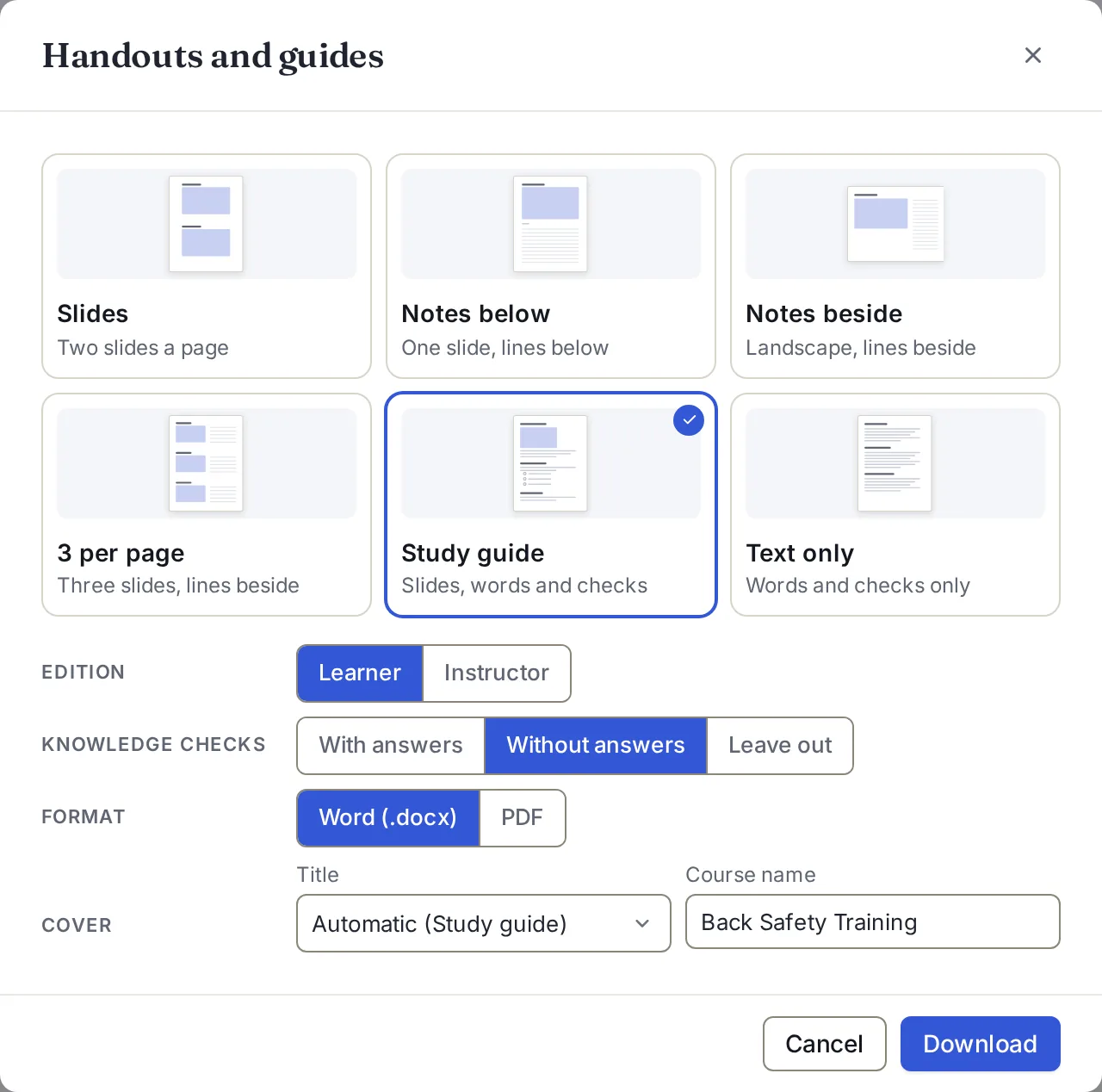
Drop in a .story file and download the course as pages to print: slides with lines for notes, a study guide with the knowledge checks, or the words on their own. Word or PDF.
The sample course is a real 51-slide Storyline course. No signup.
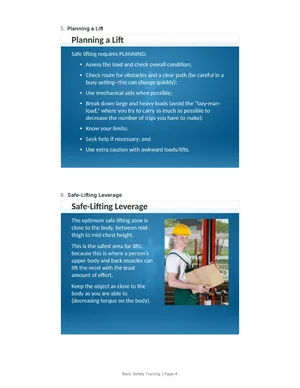
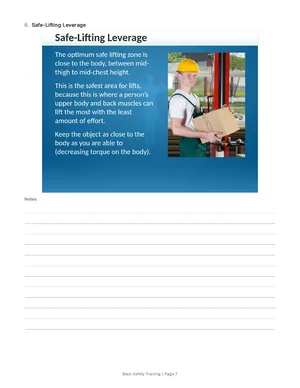
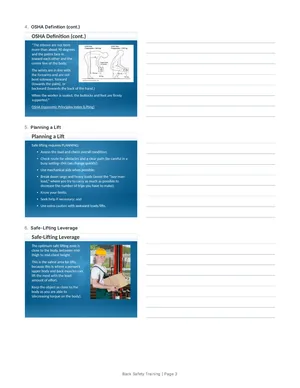
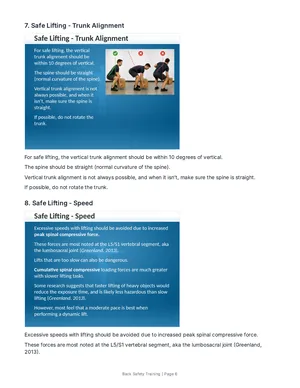
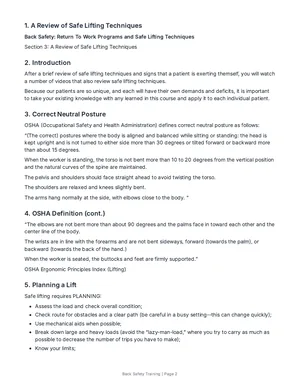
Six layouts, one for each way a course gets used
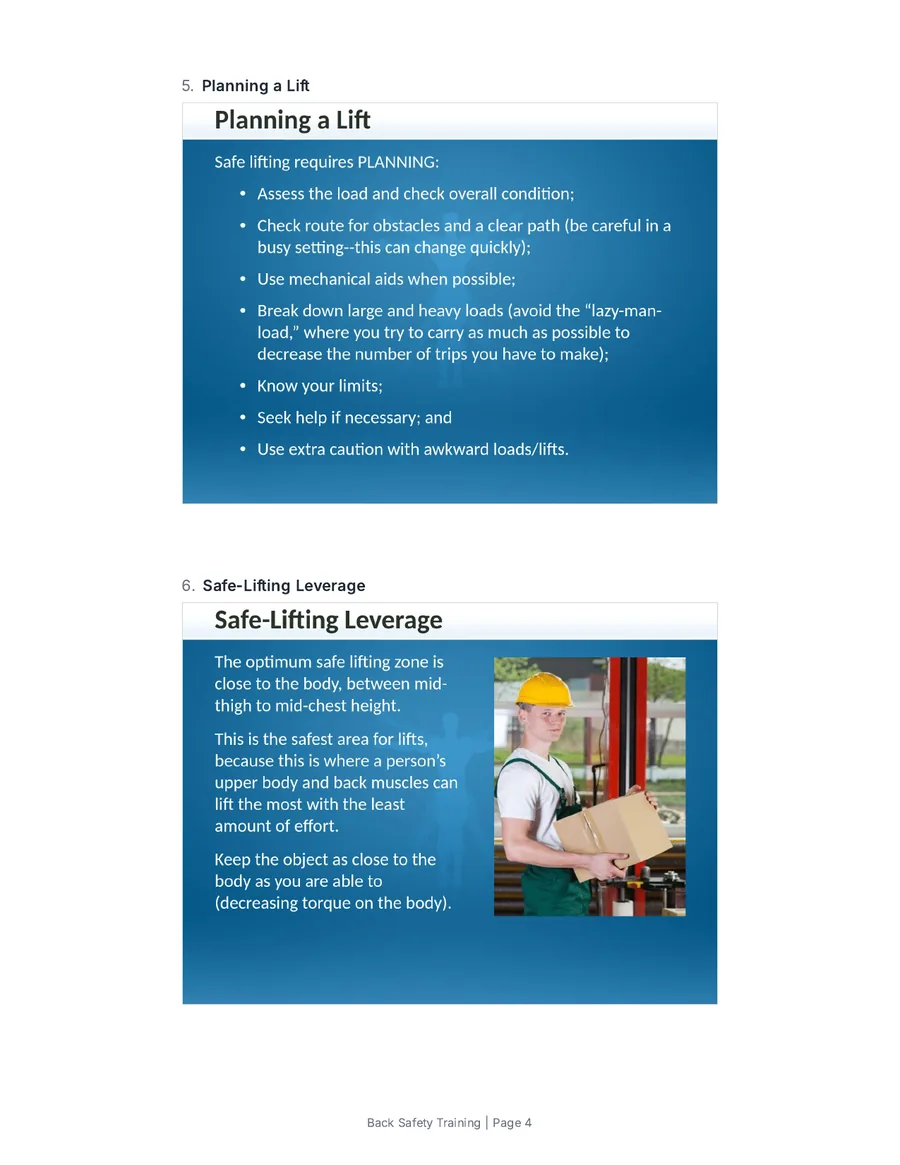
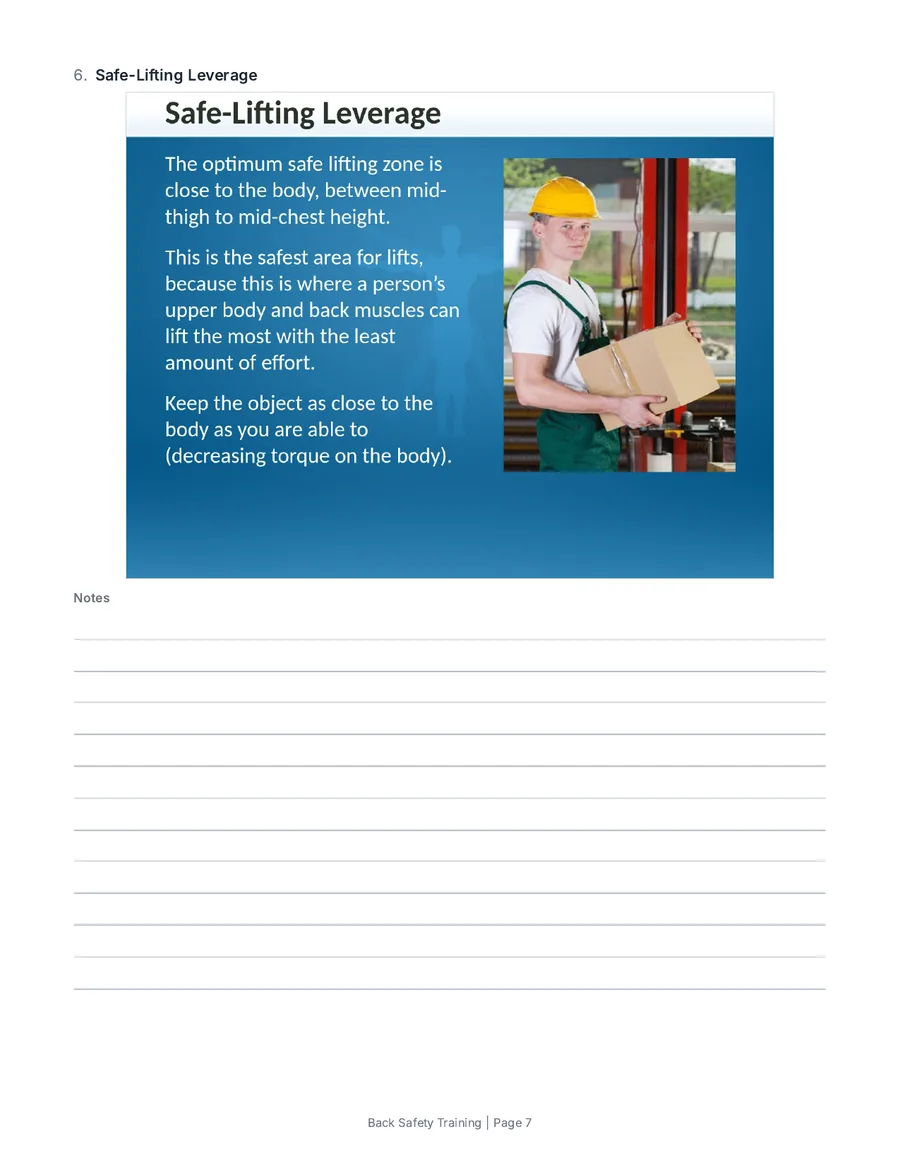
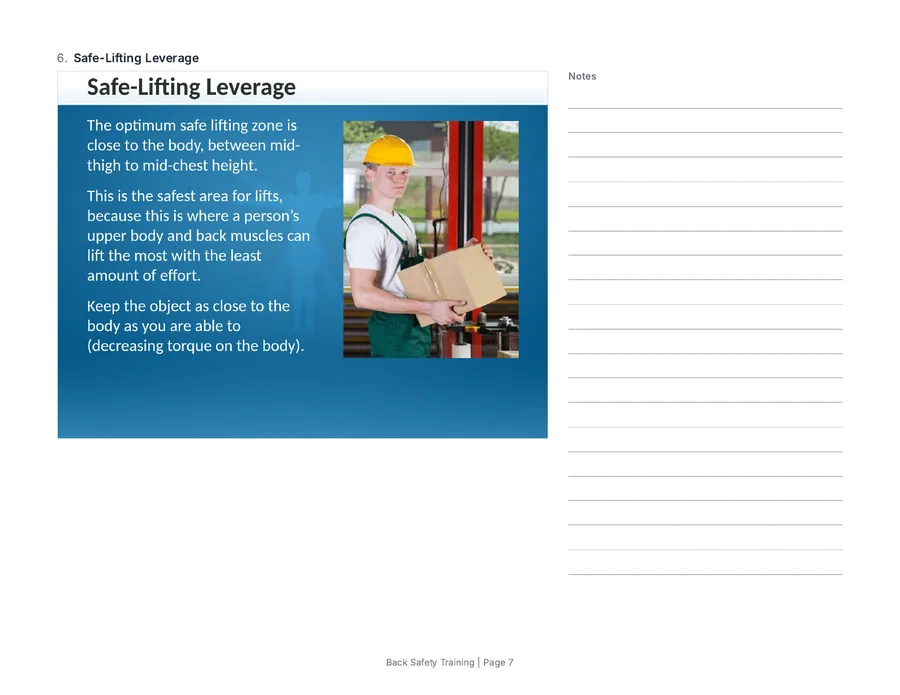
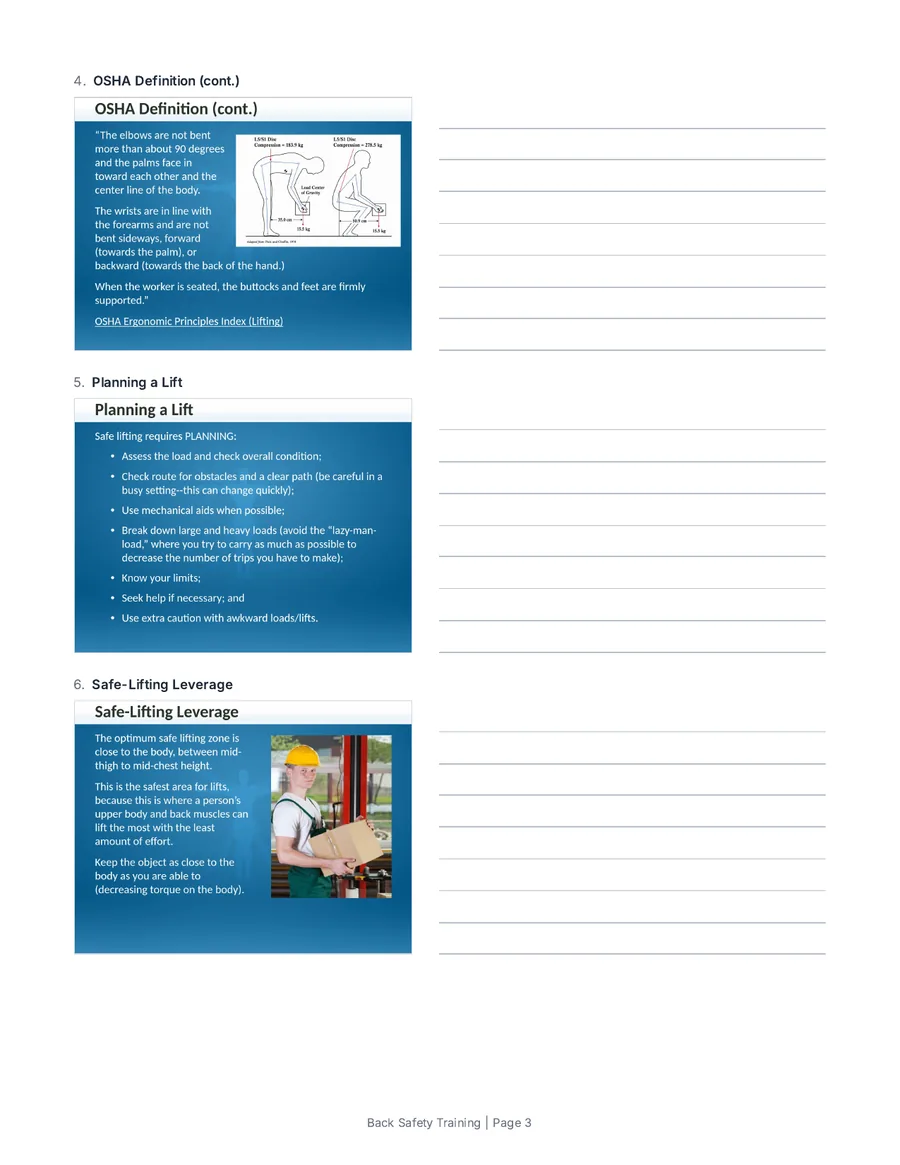
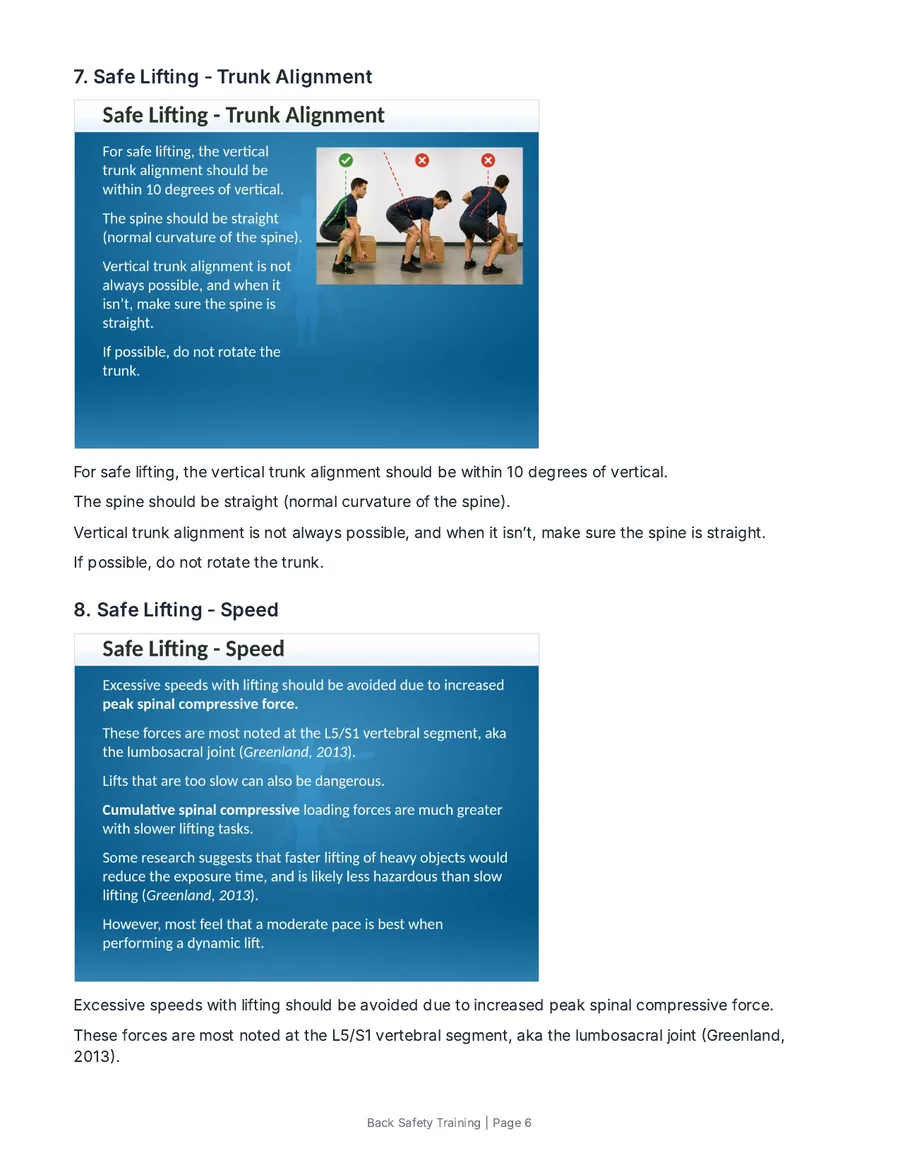
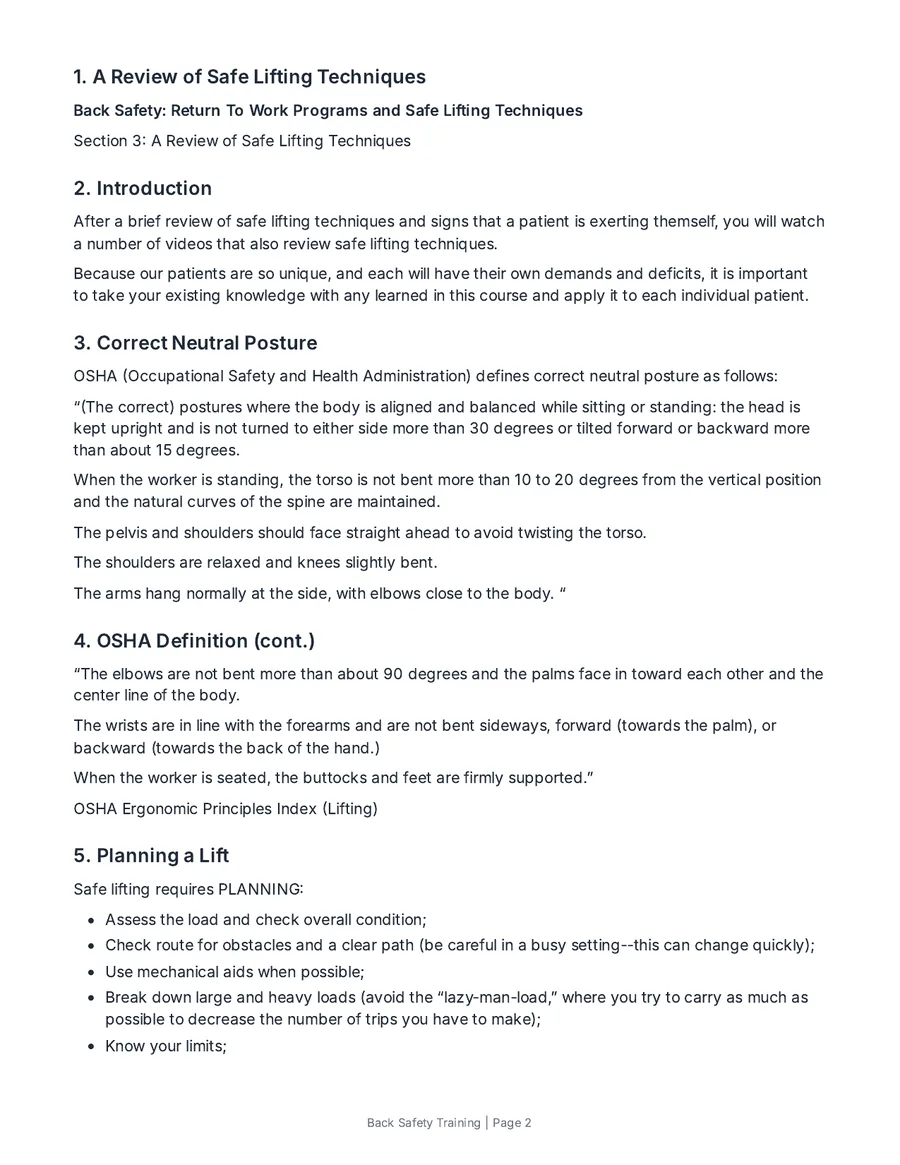
Pages from handouts of the sample course, as PDF. The Word files use the same layouts. Open a sample: study guide, instructor edition · handout with notes below (PDF excerpts).
What goes on the page
- Each slide’s picture, drawn by StoryAudit from the .story file
- The words on each slide in reading order, with bullets and numbered lists kept
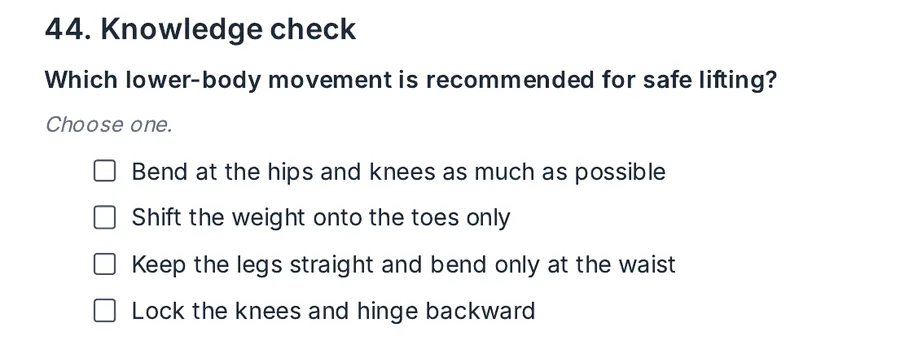
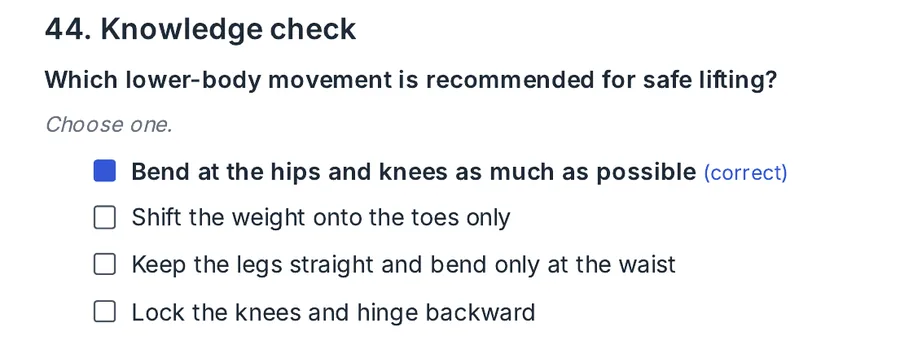
- Knowledge checks with the correct answers marked, left blank, or left out
- Answer choices mixed, so where the right one sits gives nothing away. “All of the above” stays last.
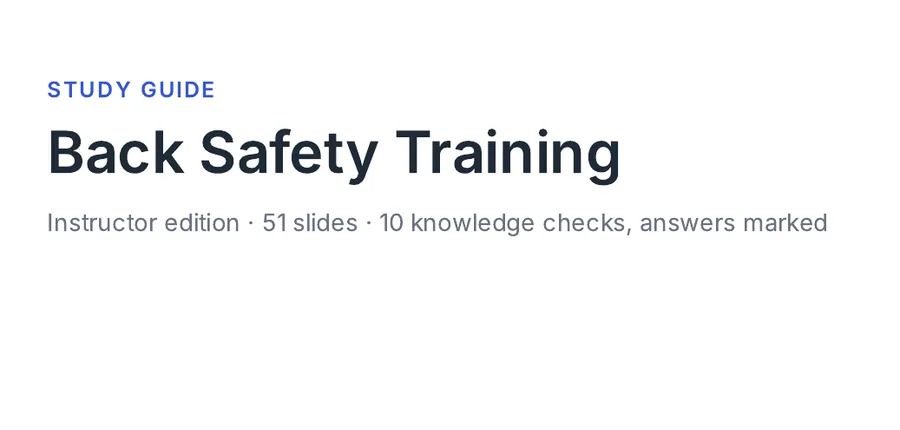
- A cover with a title you choose, the course name and the slide count
- A Word file you can edit before you print, or a PDF ready to go
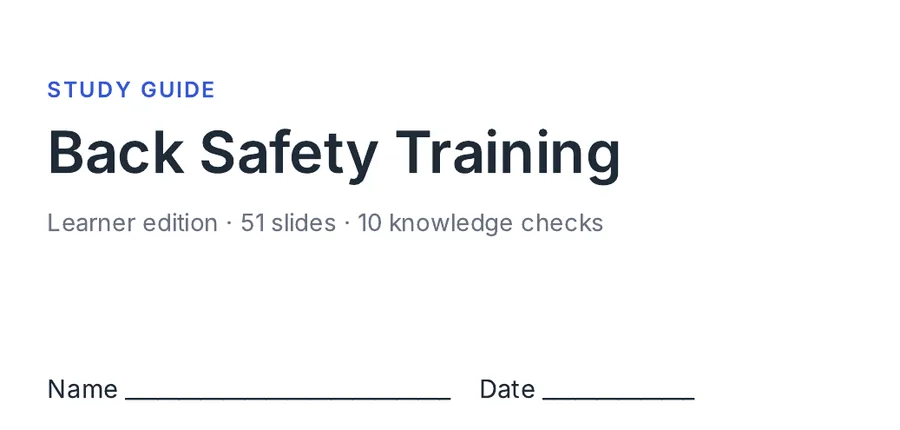
A learner edition and an instructor edition
Learner edition
Instructor edition
Storyline can publish to Word, which gives a picture of each slide and its notes from inside Storyline. Handouts and guides adds the page layouts, the knowledge checks, both editions, the cover and the PDF, for anyone on the team with the .story file.
When a handout helps
- A classroom or blended session built around the Storyline course
- A study guide learners keep after the course
- An instructor copy with the answers marked
- A review on paper, one slide a page with room for comments
How it works
- 1Open StoryAudit and drop in your .story file.
- 2Go to Course Docs.
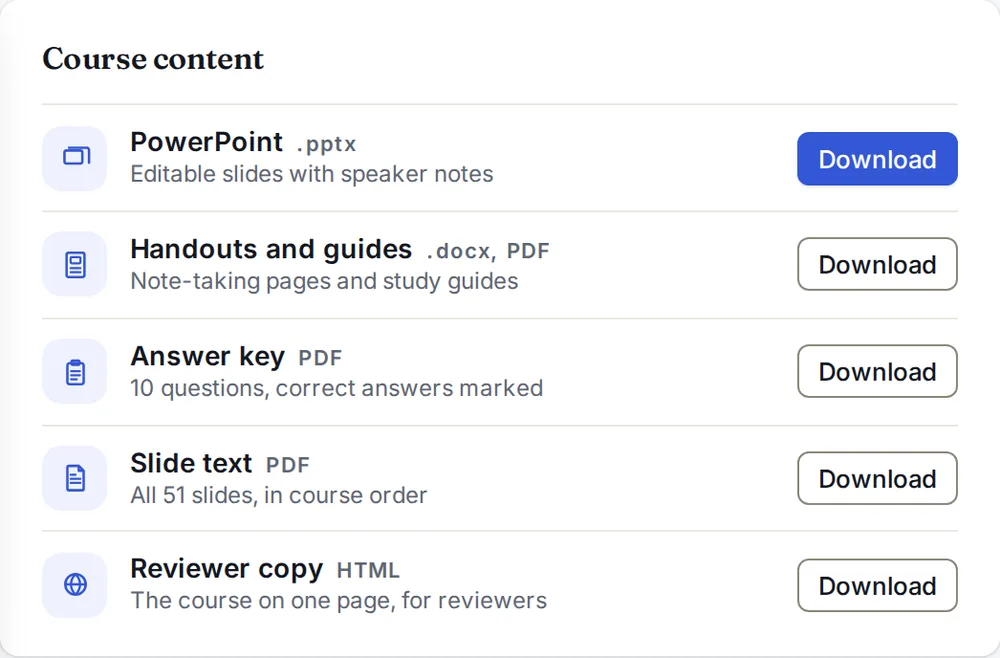
- 3Press Download next to Handouts and guides and pick a layout.
Questions
Do I need Storyline to make a handout?
No. StoryAudit reads the .story file in your browser, so anyone on the team with the file can make a handout or study guide. Someone with Storyline still builds the course.
How is this different from Storyline’s Publish to Word?
Publish to Word runs inside Storyline, so it needs a Storyline seat, and gives a Word file of slide pictures with their notes if you choose. Handouts and guides needs only the .story file and a browser, and lays the pages out for a classroom: lines for notes, up to three slides a page, or a study guide with the knowledge checks.
Can I edit the Word file?
Yes. Headings, the words on each slide, the knowledge checks and the cover are text in Word, so you can change them before you print. Slide pictures are pictures.
What happens to quiz questions?
Each question prints as a knowledge check with its choices: multiple choice, multiple response, true/false and matching, with the answers marked, left blank, or the questions left out altogether. Choices are mixed, so where the right answer sits gives nothing away. A question type the answer key can’t read prints as the slide’s own words, and questions drawn from a question bank don’t print yet. Results slides are left out.
Do the pages show every layer?
Each picture shows the slide’s base layer, as a learner first sees it. Other layers, animations and video playback stay in the course. When a font the course uses isn’t on your computer, the pictures use a similar one, and StoryAudit says which.
Who needs a StoryAudit account?
The person who makes the handout. The learners, instructors and reviewers who get the Word or PDF file don’t.